

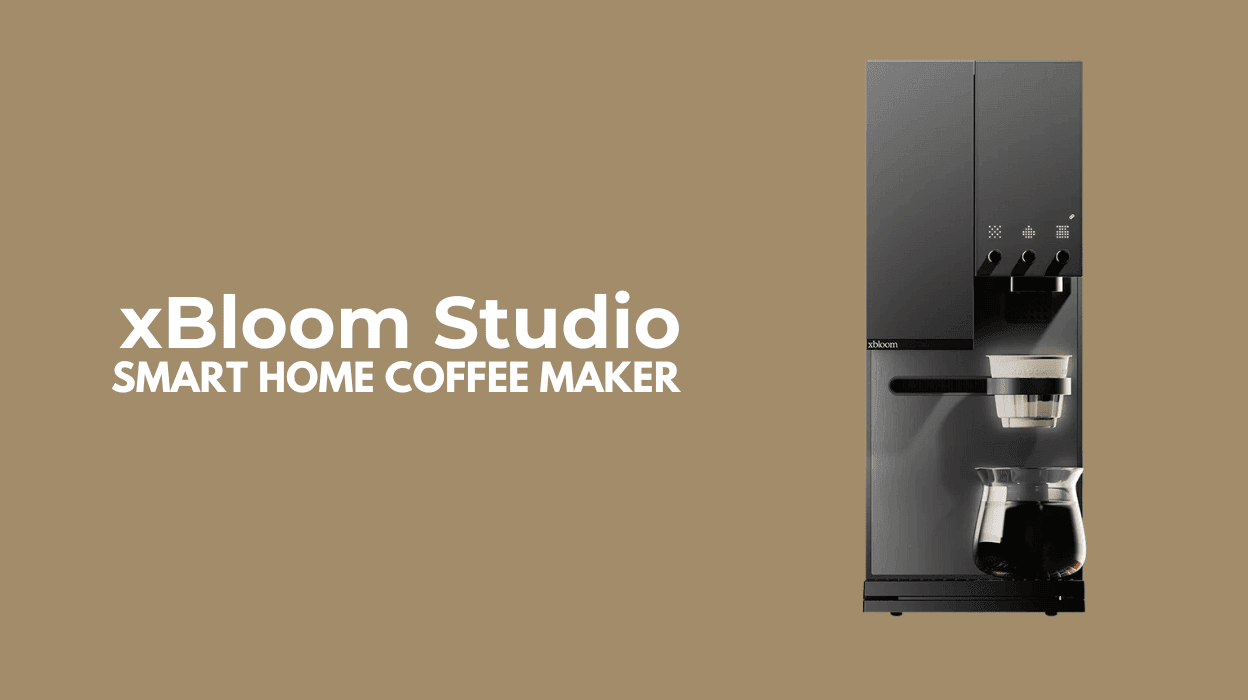

xBloom Studio UK Review Table of contents
What is Pour Over Coffee?
Pour over coffee is a manual brewing method in which hot water is slowly poured over ground coffee in a filter, allowing it to drip through at a controlled rate into a carafe (or a mug also works) below. A typical starting point is a 1:15 ratio, 1g of coffee for every 15g of water.
This technique gives the brewer full control over variables such as water temperature, pour speed, and brew time, resulting in a clean, nuanced cup that highlights the coffee’s natural flavours and aromas.
Pour over brewing is a favourite among coffee enthusiasts, who appreciate both the ritual and the clarity it brings to each cup. That said, the xBloom Studio offers a level of customisation that allows you to make your brewing experience as simple or as complex as you desire.
Unboxing and xBloom Studio Set Up
Unboxing and brewing the first cup of coffee with the xBloom was surprisingly simple. After washing the attachments and water tank, I powered up the machine.
The setup process was equally straightforward, adjust the temperature and weight units, and within minutes, the xBloom Studio was ready to brew. The photos below capture the journey from unboxing to the first brew.

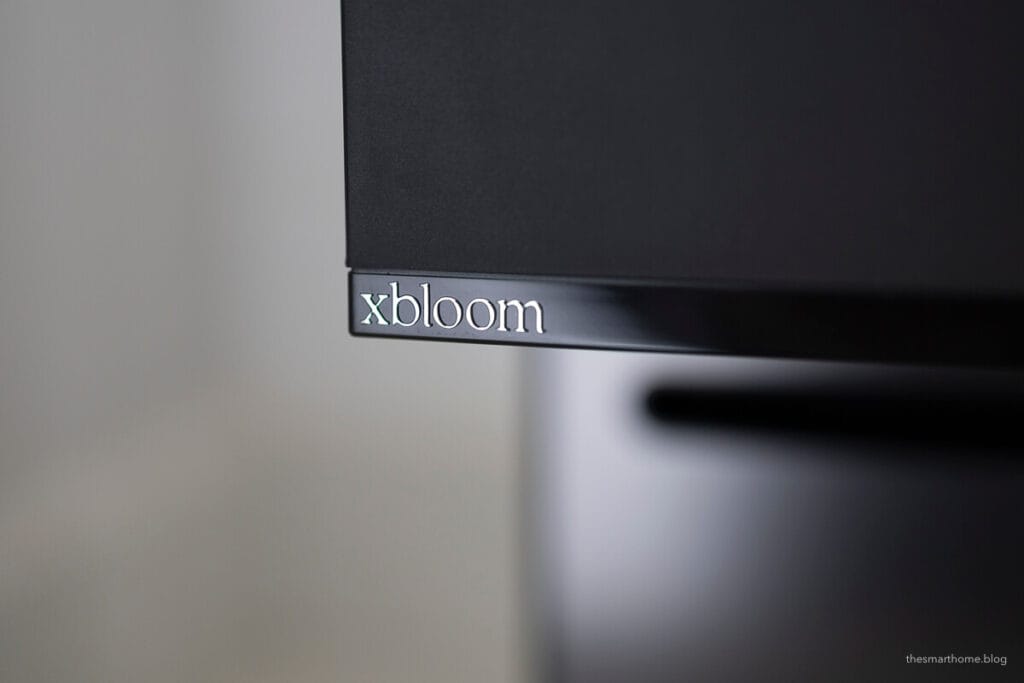
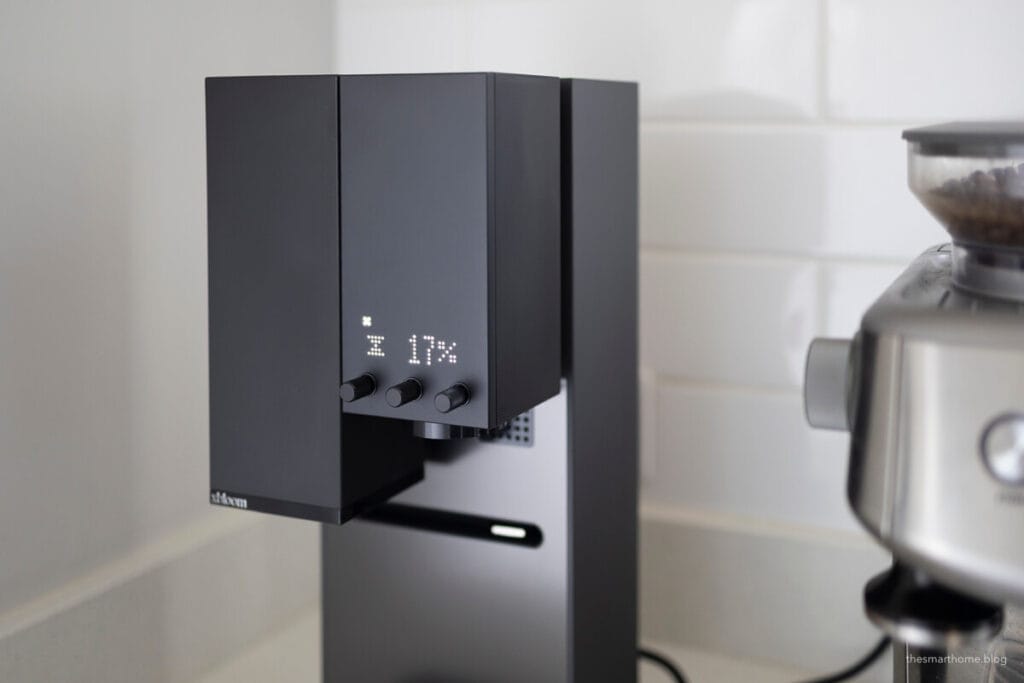
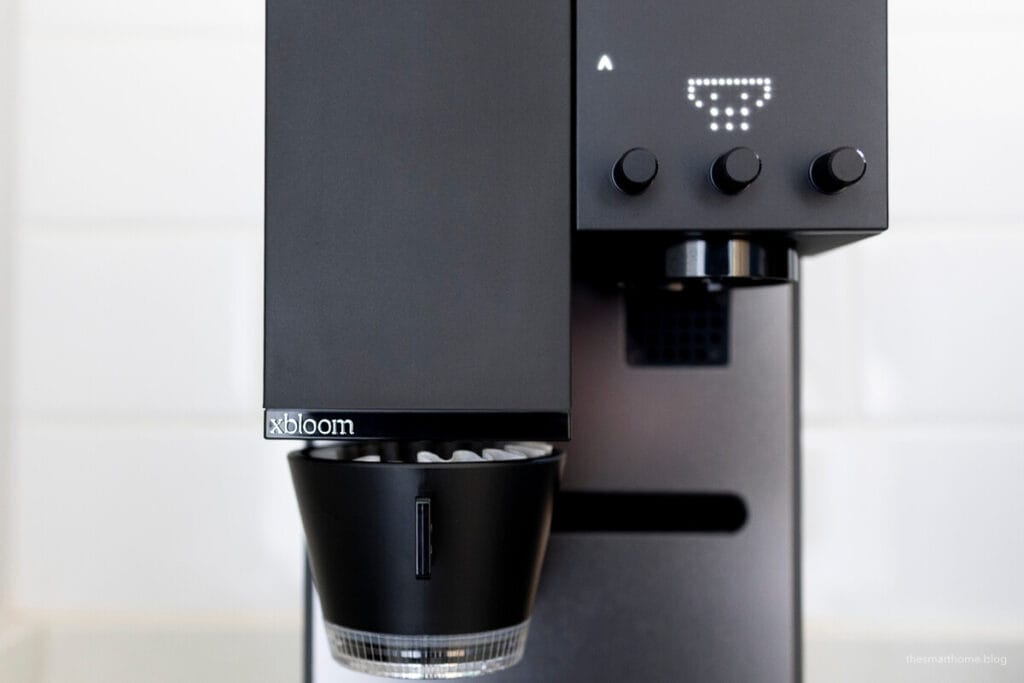
Click any image to view it in full size. The photos showcase the xBloom Studio alongside our trusted Sage bean-to-cup machine. [Ad].
The xBloom Studio offers three key operational modes: Autopilot (though not for everyone, yet, more on that later), CoPilot, and Free Solo.
xBloom Studio Autopilot Mode
xBloom describes this mode as “Effortless Perfection with xPod Technology,” offering barista quality coffee at the push of a button. Autopilot Mode utilises xBloom’s innovative xPod, an expertly curated whole-bean capsule crafted by professional roasters.
The machine automatically adjusts grind size, brewing time, and temperature to deliver a flawless cup every time. It’s perfect for those who seek convenience without sacrificing quality.
Unlike traditional coffee pods, xPods are pouches filled with freshly roasted beans, ready to be ground in the Studio.
xBloom Studio UK and Europe
While Autopilot Mode would have been our preferred starting point with the xBloom, unfortunately, xPods are not yet available in the United Kingdom. This is a slight drawback, but we’re hopeful this will change soon.
We reached out to xBloom, who confirmed they are collaborating with local roasters to bring xPods to Europe. Due to the need for on-site production, specialised machinery, and logistics, the process is taking a bit longer than expected. We will update this post as soon as there are any changes.
The Studio is available in the UK though and we can confirm the xBloom Studio UK edition comes with the correct power cable.
As an alternative to getting up and running we decided to use the supplied NFC card route as if it came with a box of xPods.
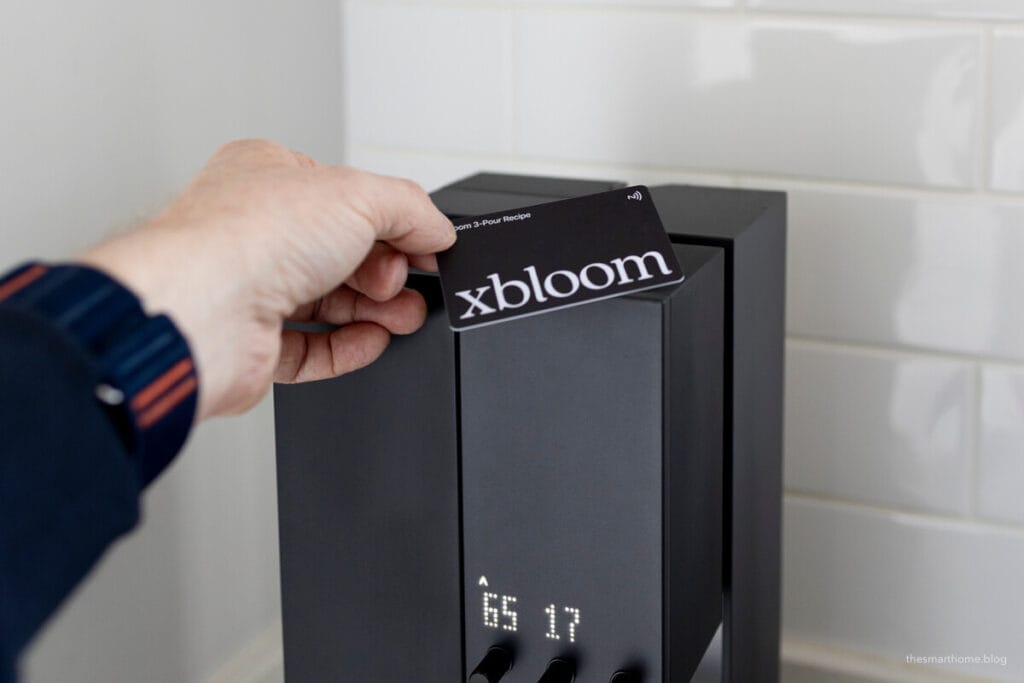
Tap the NFC card on top of the xBloom Studio, and it automatically sets the parameters for a standard pour over coffee process. I measured 15g of coffee beans and carefully poured them into the grinder.
From there, the xBloom worked its magic. The process, from grinding to brewing, is truly remarkable. The arm moves the Omni dropper beneath the grinder and then back under the brewer once the grind is complete.
The result was quite good for a first attempt. I did underestimate the volume of coffee, so I had to swap cups to avoid a mess.
Copilot Mode
Take control of your coffee journey with CoPilot Mode. Use your favorite beans, personalize brew settings via the xBloom app, and experiment with unique recipes. This mode is perfect for coffee enthusiasts who enjoy crafting their own signature flavors while benefiting from smart automation.
We found that many xBloom Studio owners share their recipes, and the app makes it incredibly easy to customize any of the available options.
Setting up the xBloom Studio UK App
For the best experience, scan the QR code included with the xBloom to ensure you download the correct app. Once downloaded, enter your details to create an account.
The app will then automatically detect the xBloom Studio and begin the pairing process. As shown below, this took less than two minutes to complete.
Communication is over bluetooth so there isn’t any HomeKit or Home Assistant integration at this point. That said, this sort of coffee processing requires a bit of human interaction. I am not sure how beneficial HA support would be other than to automate the first coffee of the day.
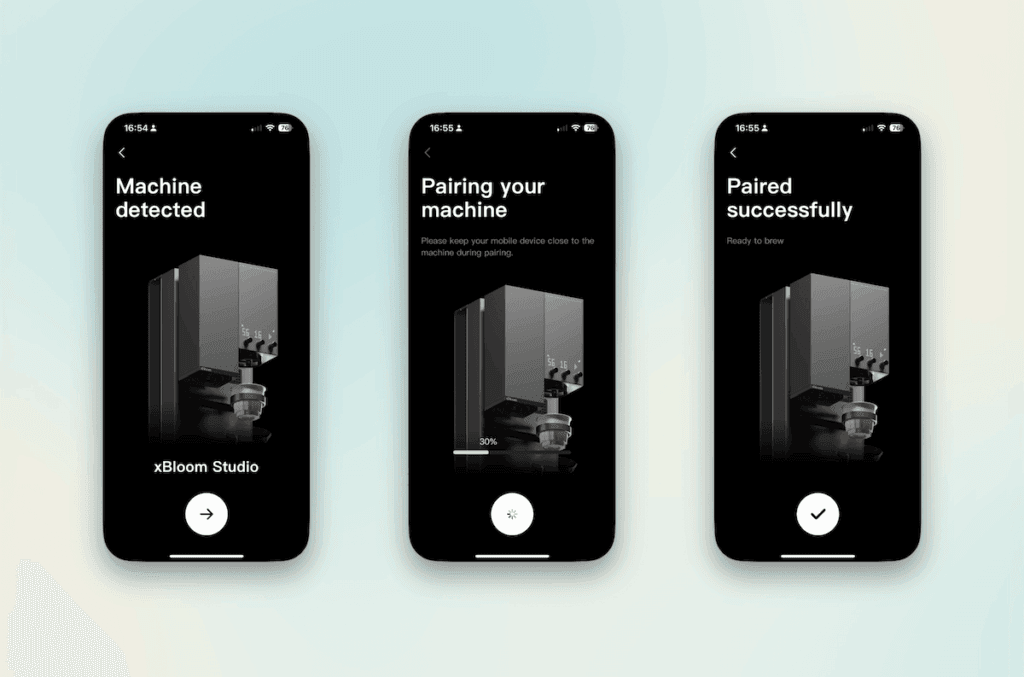
Once paired, the rest is straightforward. Simply weigh out your beans, choose a recipe from the app, and hit “Go“. The screen then transitions from portrait to landscape mode, providing a live monitor of the brewing process.
The xBloom Studio features a slot along the top of the unit that securely holds your phone in place. This allows you to track the various stages of brewing and pouring, as well as view a live “Brew Record” graph.
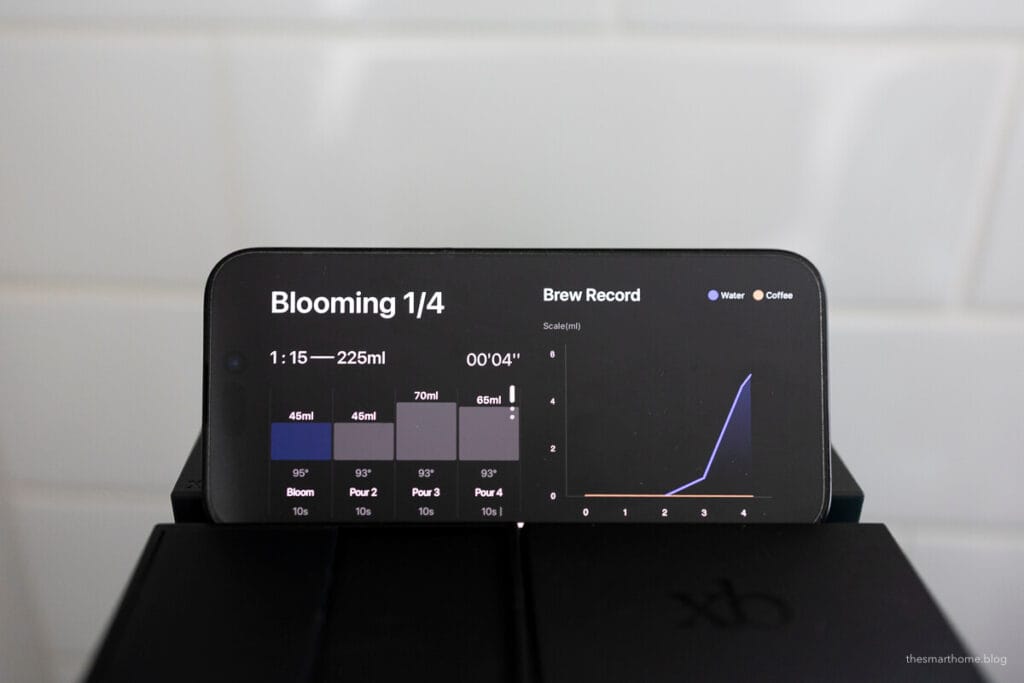
As seen in the graph, you can spot the moment I had to swap cups, as the initial choice didn’t have the capacity needed for this process.
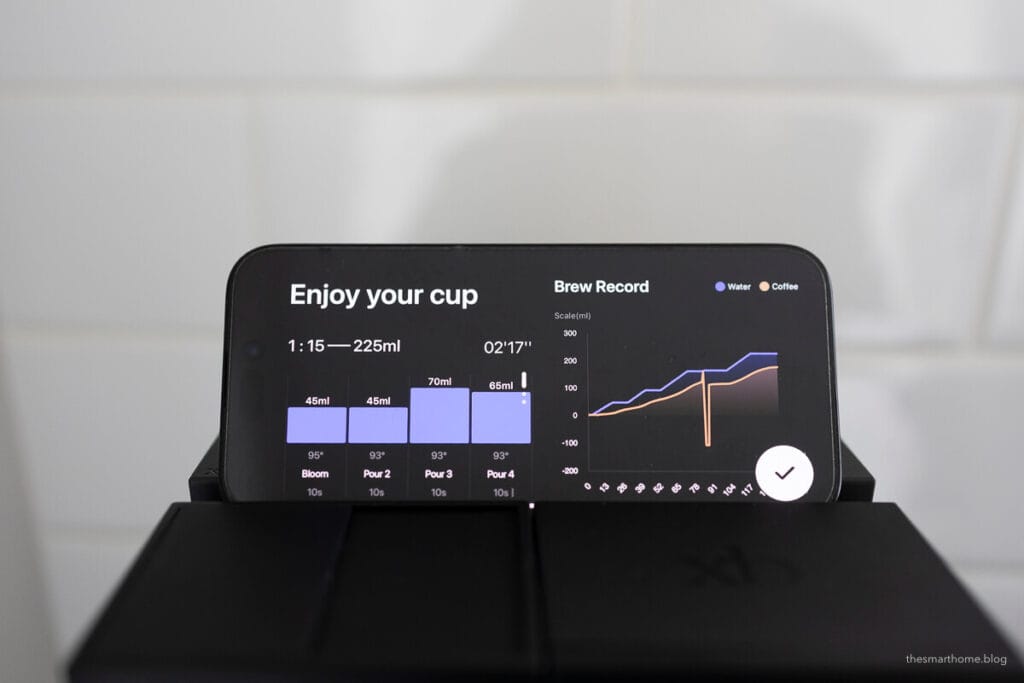
Once the brew is complete, the xBloom Studio provides a brewing summary along with a friendly “Enjoy your cup” message.
Freesolo Mode
For those who appreciate the art of manual brewing, FreeSolo Mode offers complete freedom. Use the standalone scale, grinder, and brewer to craft your own custom pour-over coffees. It’s ideal for coffee purists who enjoy hands-on brewing rituals.
The xBloom Studio allows for precise, detailed adjustments to the brewing process. With each pour, you can fine-tune the water volume, temperature, flow rate, and pause duration.
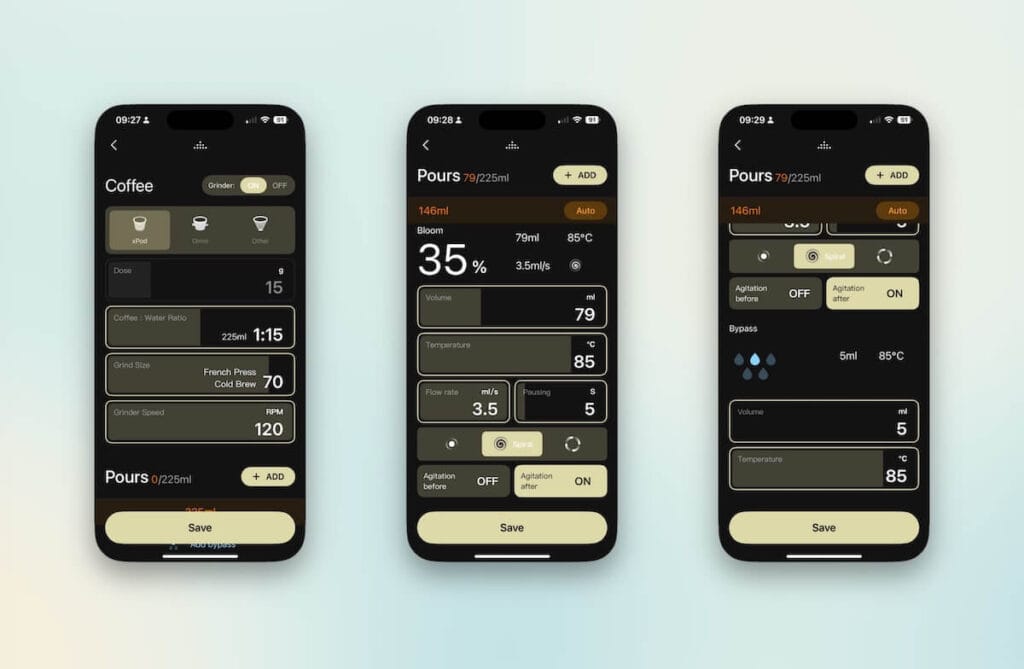
You can even adjust how the water is distributed, whether centred, in a spiral, or in circles. If that’s not enough, you also have the option to agitate the coffee before or after the pour.
The xBloom Highlights Video
Please note, this video has been edited to highlight only the key features of the machine in action.
You can save your own FreeSolo recipes and note which beans you used. You can then share your collection online with other Studio users. We found an entire bank of xBloom Studio recipes available online [here]. Please note, we are not responsible for the content of external websites.
What about Tea?
If you prefer tea over coffee, the good news is that the xBloom Studio also accommodates tea leaves. By purchasing the additional tea attachment, you unlock a wide range of tea recipes.
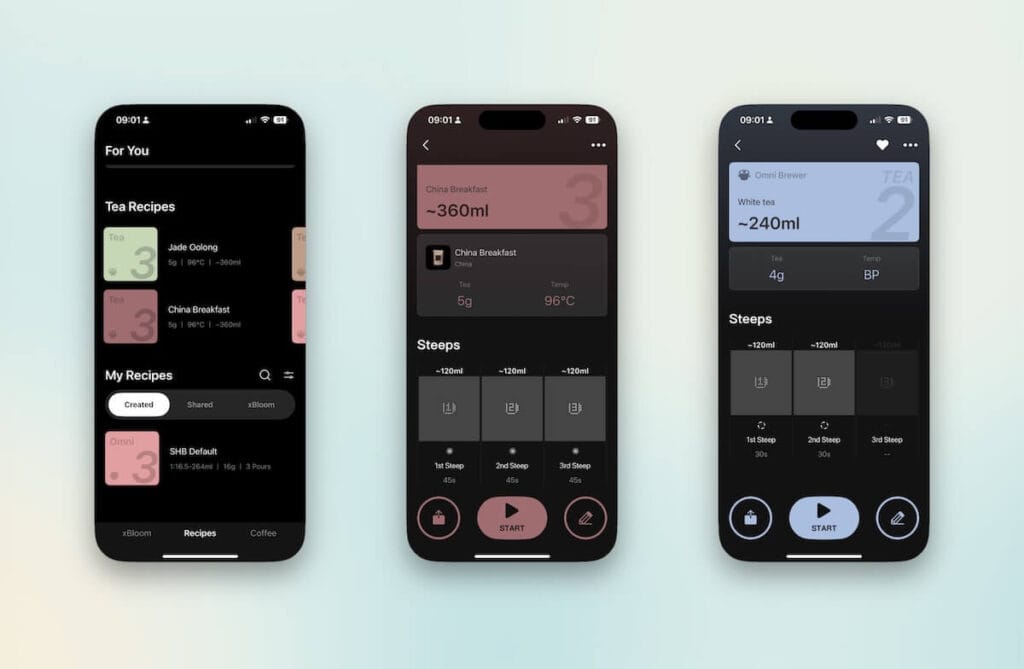
The process of making tea is just as enjoyable to watch as it is to drink. If you’ve recently purchased your xBloom Studio, you may need to upgrade the firmware.
Measure 5g of tea leaves into the Omni Tea Brewer and select one of the pre-defined recipes. The process and physics behind the brewer are truly remarkable.
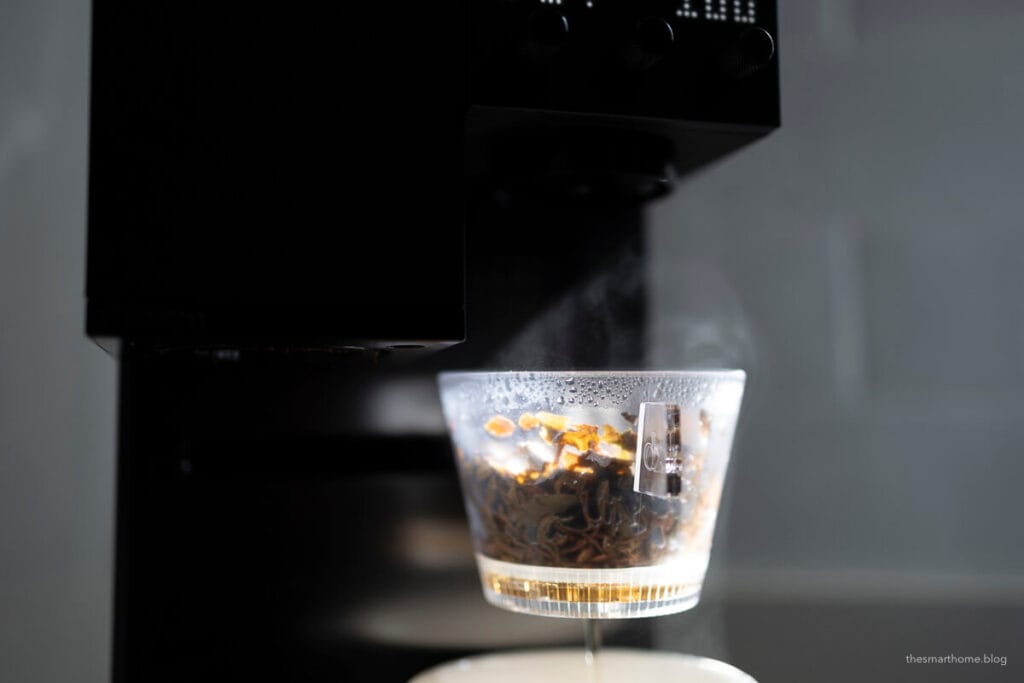
The tea produced was also impressive and we have adjusted one of the recipes to make the perfect cup of Earl Grey tea [Ad]. See the video above for the tea highlights.
xBloom Studio Power Management
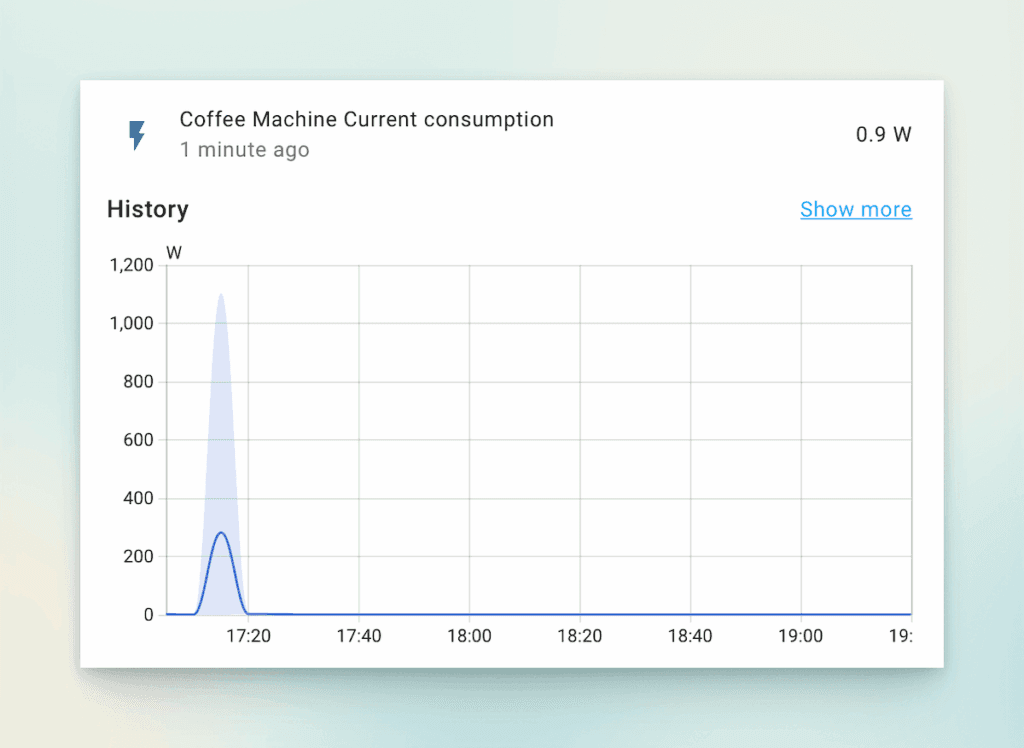
The xBloom Studio auto power downs after a set duration of time. I decided to use a Tapo P110M [Ad]. smart plug to managing the power management for xBloom. The graph below shows the efficiency, with a four pour coffee brew against standby mode.
Conclusion
A Smart Coffee Experience That Inspires Creativity
For those who appreciate the art of pour over coffee and have a penchant for smart technology, the xBloom Studio is a compelling new player in the world of home brewing. This intelligent coffee machine seamlessly blends creativity with precision, offering an elevated and highly customisable brewing experience.
With the ability to fine tune, record, and share coffee recipes, the xBloom Studio enhances every step of the process. It’s accessible for beginners, there’s no daunting learning curve to master. For those who enjoy diving deeper there is endless potential for experimentation and mastery.
More than just a coffee maker, the xBloom Studio is a joy to use. The brewing process is almost as enjoyable as the coffee it produces. While the xPods (a pre-portioned bean delivery system) are not yet available in Europe, the machine still offers excellent value. In fact, seasoned coffee enthusiasts may prefer sourcing and dialling in their own beans, making the most of the Studio’s fine grained controls over pods.
It’s hard to find fault. The xBloom Studio is a product to behold turning a casual coffee process into a sensory experience, I love it.
Links
Tapo P110M [Ad]
Hario Coffee Server {Ad]
The xBloom Website
Cadre Coffee Roasters
Smart Plugs: A Guide to Energy Saving
An Amazon affiliate we may earn a small commission from some links in this post.
Discover more from The Smart Home Blog
Subscribe to get the latest posts sent to your email.